Study Group Waitlist Try it
Open it in your browser · no account

One set of cards,
written by the whole class.

Twelve students taking the same course should not be typing the same notes twelve times. Study Group gives a class one shared set of revision cards, and gives the teacher the say over who is in it.

Open a real class

Type a name and you are in. Look around as a student, then switch to the teacher’s side. Nothing to install, nothing to sign up for.
Inside the app
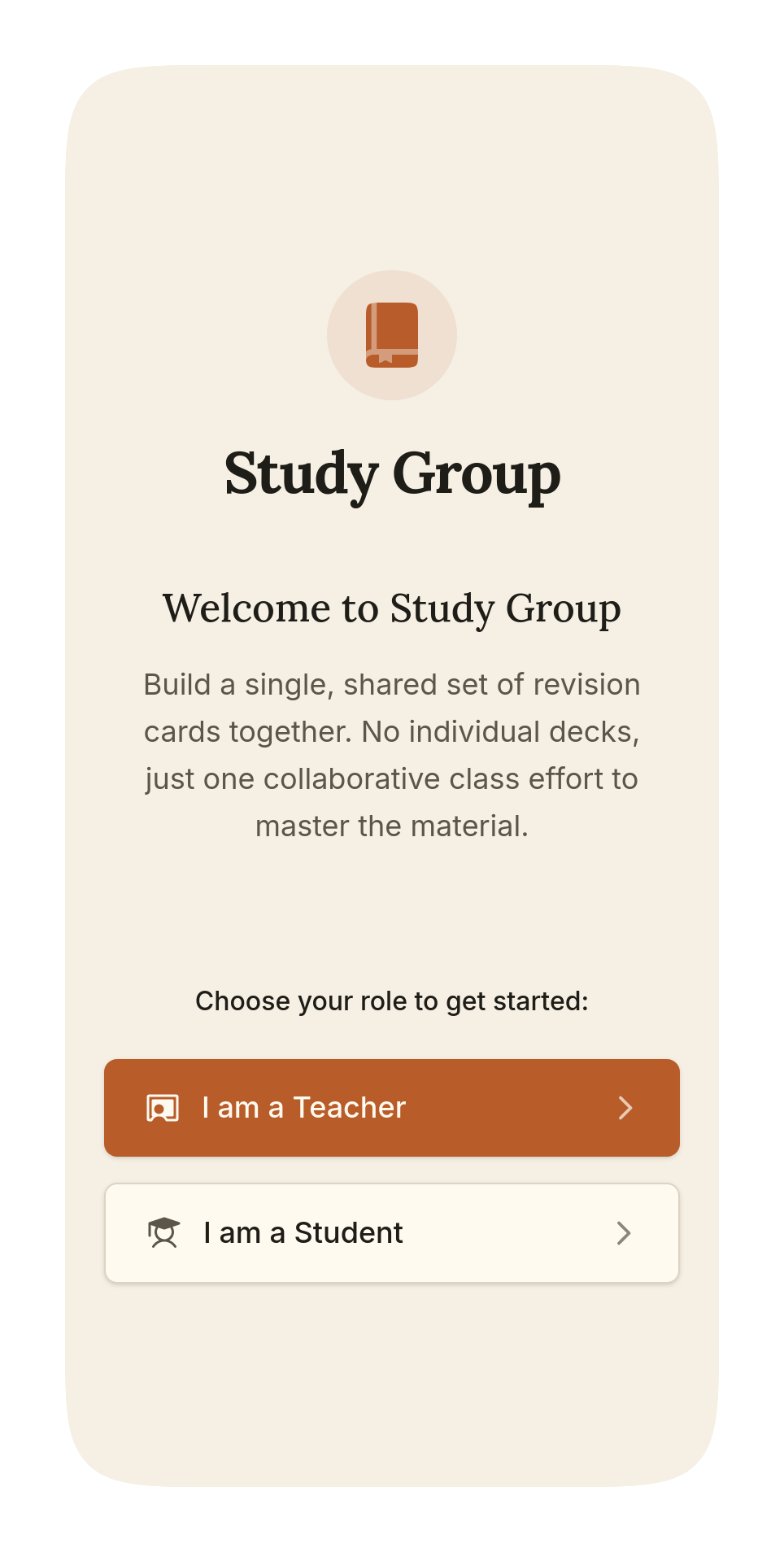
The app asks whether you are a teacher or a student
It asks which one you are, first
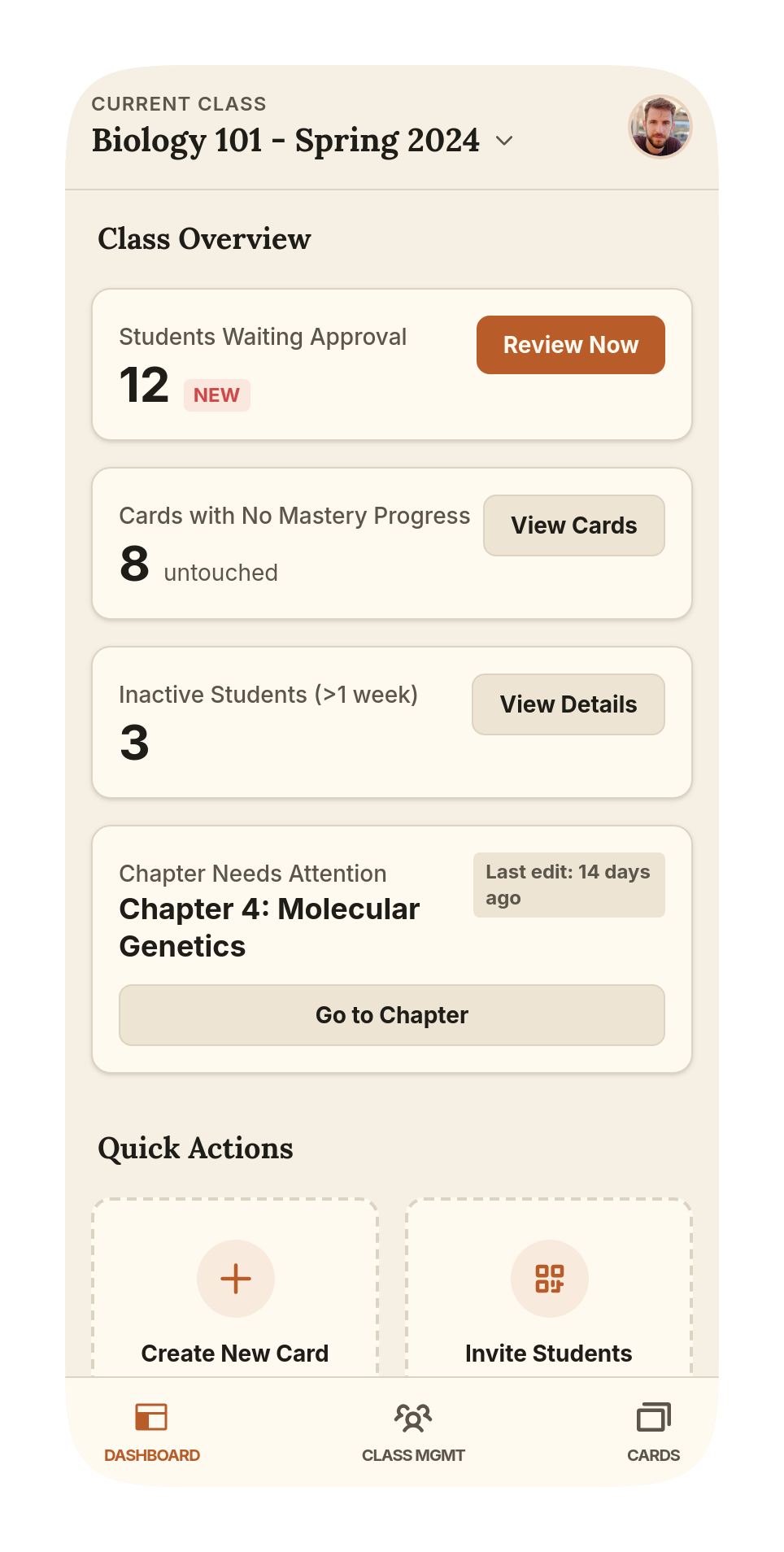
A teacher's dashboard showing what needs them
The teacher sees only what needs them
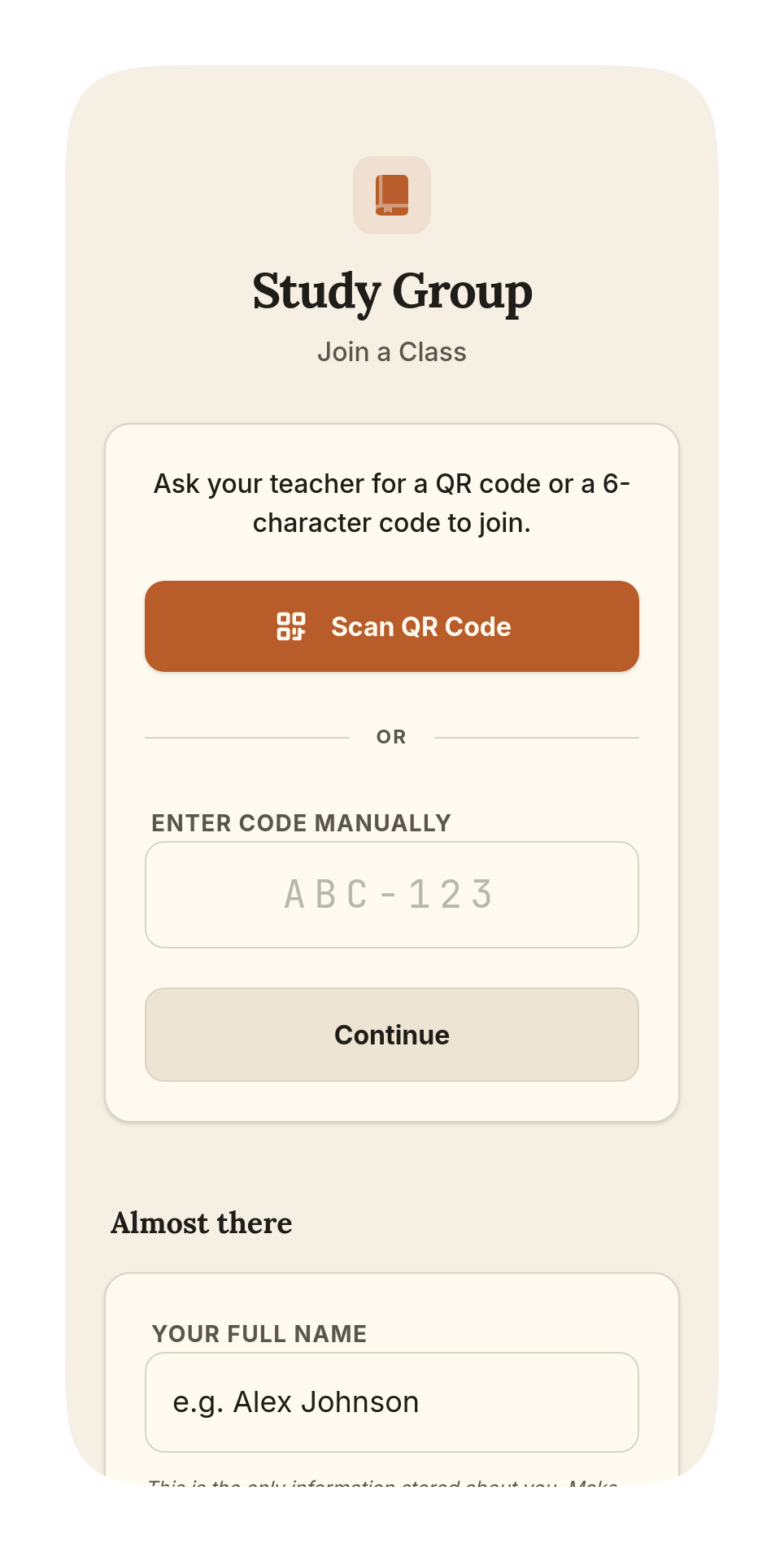
A student joining by scanning a code
A student joins with a code and a name
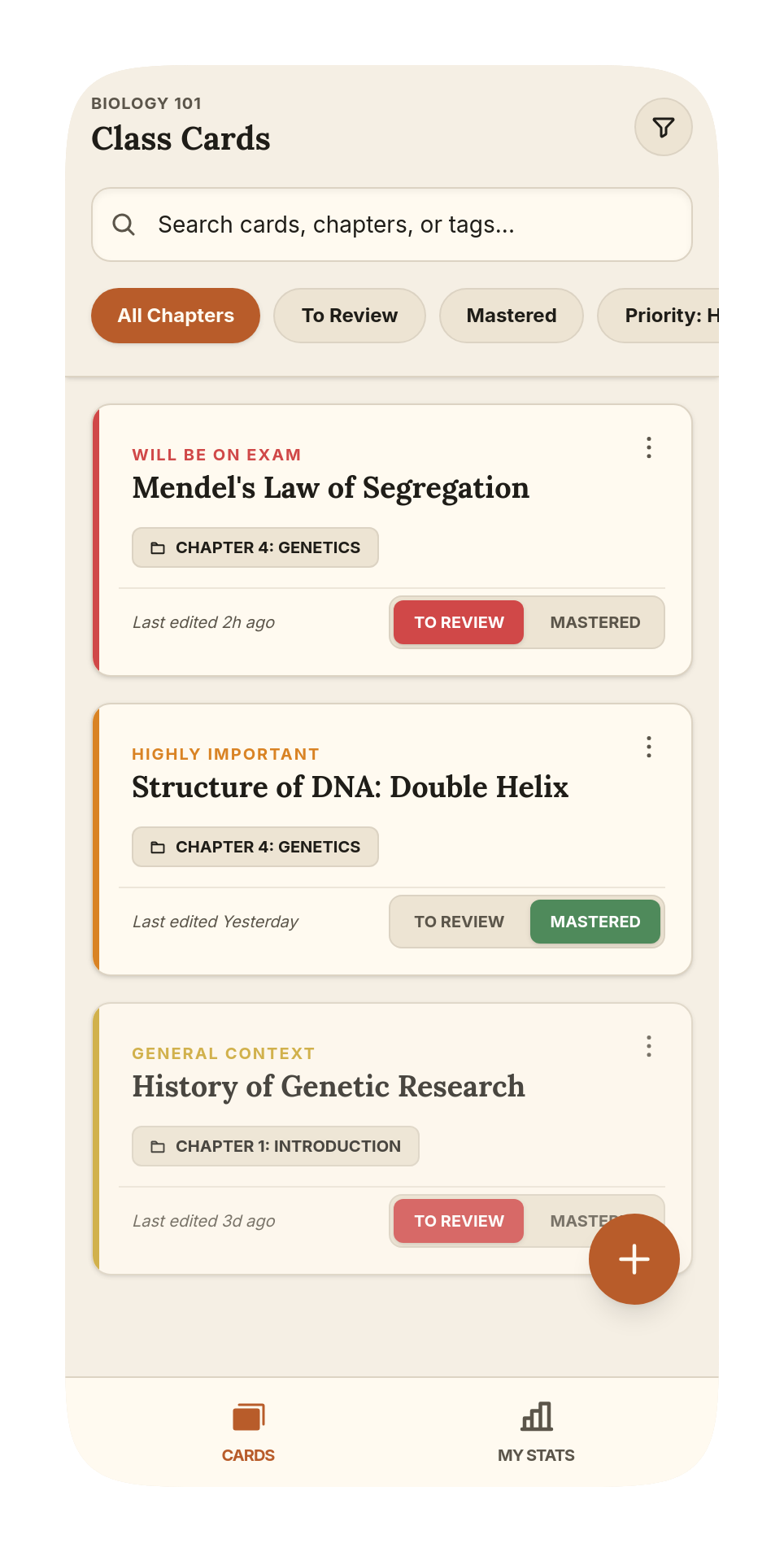
The shared card list, filtered by chapter and mastery
One card list, shared by everyone
What it fixes

The four things a class group chat is bad at.

Twelve copies of one note

Everyone writes the same summary badly, alone, at midnight. Here there is one card, and it gets better every time someone touches it.

Nobody knows what is weak

The teacher sees the cards nobody in the class has marked mastered — what the room is quietly avoiding, before the exam says so.

Anyone can wander in

Every request waits for the teacher, behind a confirmation. A group link that leaks does not let anybody in by itself.

Sign-up kills the lesson

Thirty students creating accounts costs a class ten minutes and a dozen forgotten passwords. Here they scan and type a first name.

How a class starts
01

The teacher opens a class

A name, and that is it. You can write every card in it before a single student joins.

02

The room scans a code

A QR on the projector, open for two days. Or a one-off code read aloud, for whoever missed it.

03

You decide who is in

Each request arrives with a name and waits. Accept, turn down, or flag it — nothing happens without you.

Students need no account at all. No email, no password, nothing to forget.

All the app ever holds about a student is the name they typed.

Bring it to your class.

The browser version is the whole app, open right now. The waitlist is for the Android build, so you hear when it lands.

Try it in your browser

One email when it opens. Nothing else, ever.